muriel gallery
Worked examples from shipped projects that exemplify what muriel's channels produce. Each entry leads with the tool chain — which muriel helpers (and external libraries) produced the artifact. The goal is to make the abstract channel categories executable: if you want output like this, here's the exact recipe.
For the interactive in-browser set — 3D spatial typography, data mountains, the perspective wall — see the live spatial demos ↗.
0. muriel's own hero mark — Raster + Kinetic Typography + Visible Language

Tools: Pillow (still frame composition) · a custom 12-pose renderer (iterates frame_0..frame_11.png) · ffmpeg or ImageMagick convert -delay -loop 0 (GIF assembly) · muriel.contrast.audit_svg (8:1 text-rule check before ship).
Channels: raster, svg, video.
Vocabularies: visible-language (Cooper's mitp colophon reinterpreted), kinetic-typography (strategic motion, max contrast).
Pattern: same mark, four variants — still + animated × light + dark — served via <picture> + prefers-color-scheme. Assets at assets/.
The rest of the gallery points at other shipped work that exemplifies each channel in its own right. Source blog posts live under the Scrutinizer dev log; this gallery references them, it doesn't host them.
1. Before / after comparison panel — Raster
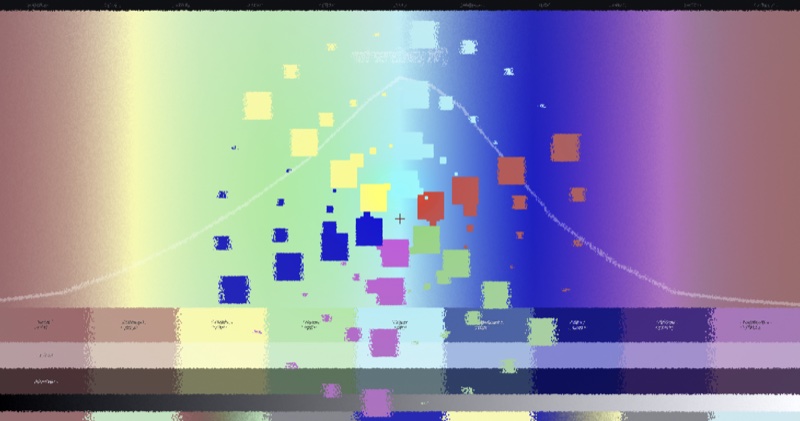
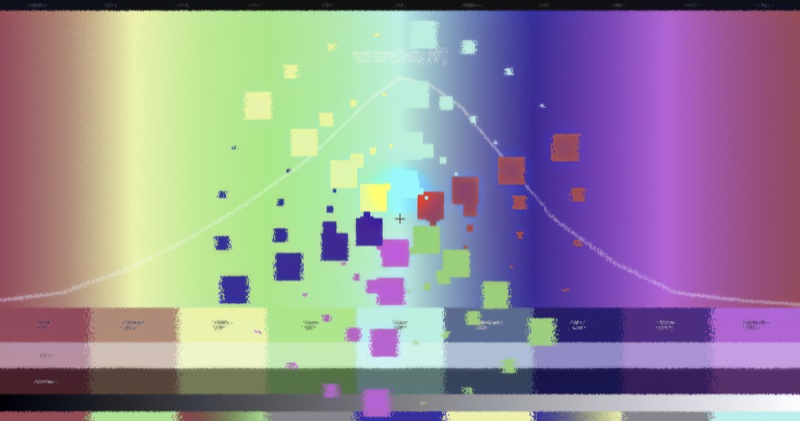
Tools: Pillow (image composition + draw) · matplotlib (curve overlay rendered as PNG, then composited) · muriel/typeset.py (caption typography) · muriel/contrast.py (pre-ship 8:1 audit).
Channel: channels/raster.md.
Pattern: canonical small-multiples A/B — identical framing, variable stimulus.
Live: Color sprint →
2. Mode comparison — Raster (interactive → captured)
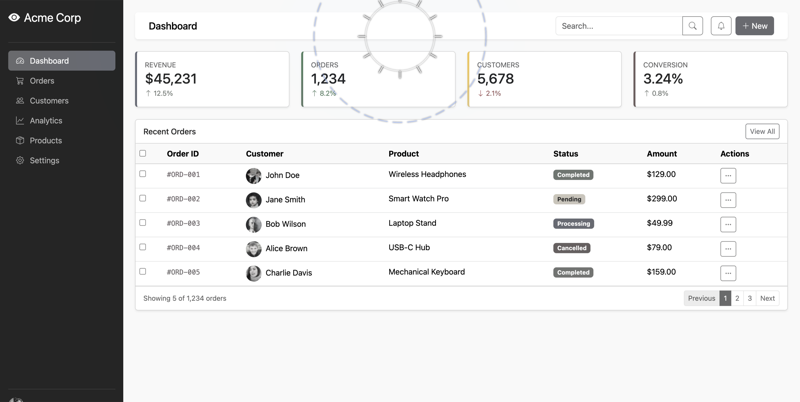
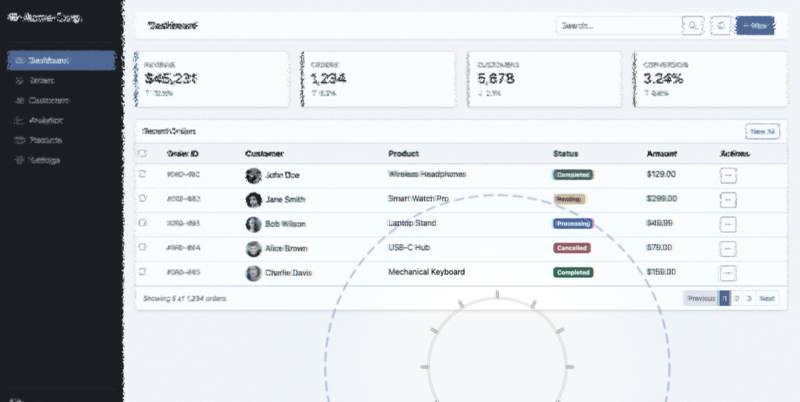
Tools: a WebGL foveation engine (external, Scrutinizer) for the rendering · muriel/capture.py (capture_responsive() for retina screenshots) · Pillow (side-by-side composition) · muriel/dimensions.py (OG_CARD for final size).
Channel: channels/raster.md (captured from channels/interactive.md).
Pattern: same stimulus, two processing modes — small multiples across a parameter axis.
Live: v2.6 release notes →
3. Reading-span A/B — Science
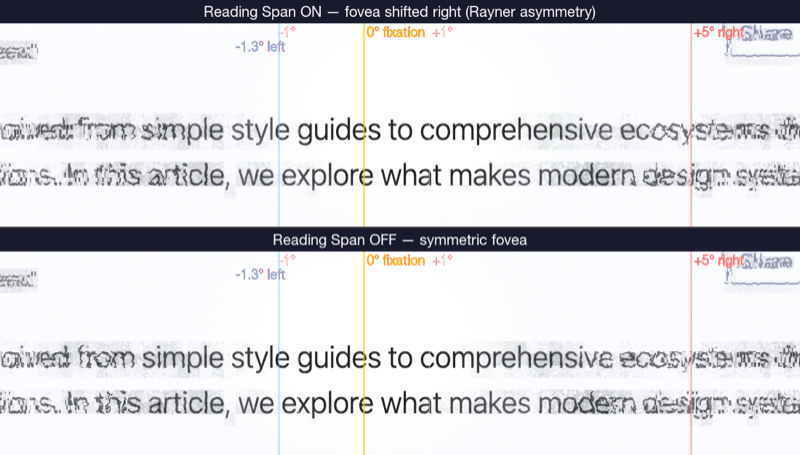
Tools: matplotlib (figure composition with two subplot panels, body-text rendering via ax.text() or imported image, degree-of-visual-angle guides as axvline) · muriel/matplotlibrc_dark.py (palette + rcparams) · muriel/dimensions.py (figsize_for('chi', columns=2)) · muriel/stats.py (format_comparison() for the effect-size caption).
Channel: channels/science.md.
Pattern: paired-conditions comparison with labeled axes, effect size, and sample size — exactly what muriel.stats.format_comparison() formats into a figure caption.
Live: Reading span on/off →
4. Saliency vs. congestion — Science
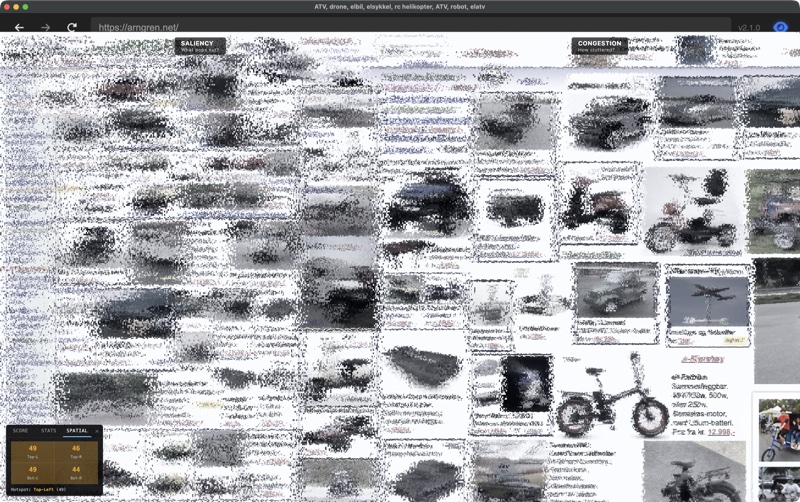
Tools: matplotlib (dense small-multiples grid, GridSpec or subplot_mosaic) · numpy / polars (derived metric computation) · muriel/matplotlibrc_dark.py · muriel/dimensions.py (figsize_for('chi', columns=2) for IEEE/CHI venue width).
Channel: channels/science.md.
Pattern: stacked small-multiples for visual diagnostic review — multiple derived metrics against one source image.
Live: Congestion score →
5. Color foveation demo — Interactive captured to Raster
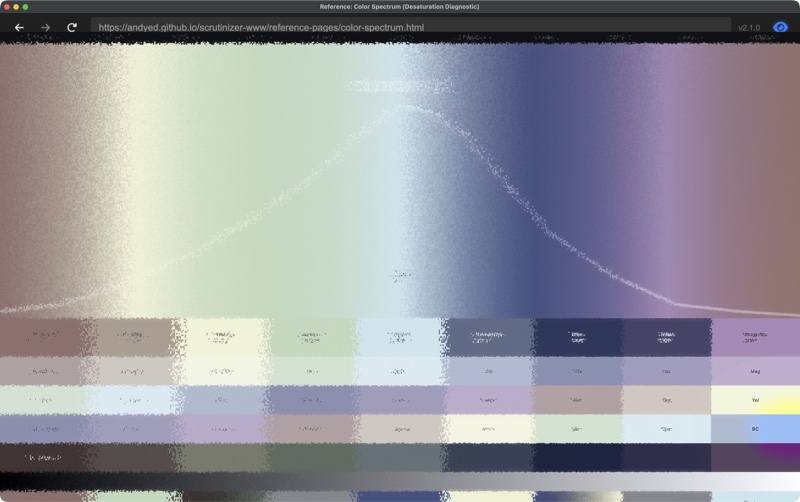
Tools: a live WebGL demo (external) for the interactive itself · muriel/capture.py (capture_responsive() with retina scale factor) · Pillow (crop + composite for editorial placement) · muriel/contrast.py (audit for annotations).
Channel: channels/interactive.md captured into channels/raster.md.
Pattern: the live version stays interactive; the raster snapshot goes into social cards + paper figures.
Live: Color search →
6. Icon analysis pair — Raster + SVG
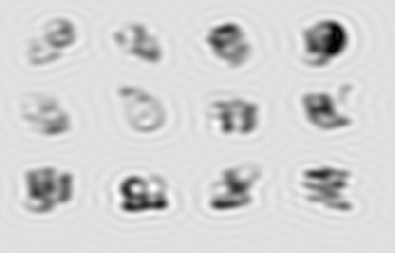
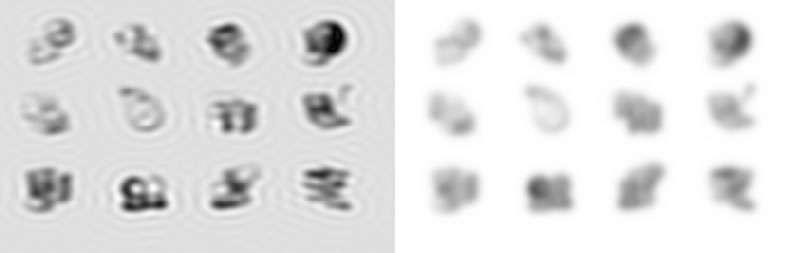
Tools: Pillow (thumbnail resize + compositing) · a Gaussian-blur variant (Pillow's ImageFilter.GaussianBlur) · muriel/typeset.py (label typography) · SVG (hand-rolled or svgwrite) for accompanying diagrams in the post.
Channels: channels/raster.md + channels/svg.md.
Pattern: micro-comparison at icon scale — two ~256-px tiles laid out inline in editorial prose. When a full figure is overkill.
7. V1 orientation columns — Diagrams + SVG (runnable)

Tools: pure Python stdlib (math) emitting SVG directly — a multi-pinwheel orientation field over a hex grid, hand-rolled <line> + <circle> elements with brand tokens inlined from examples/muriel-brand.toml (OLED palette, 8:1+ contrast on every text element).
Channels: channels/diagrams.md + channels/svg.md, with channels/science.md sensibility (cited primary literature in the footer).
Pattern: deterministic SVG diagram replacing an AI-generated raster — every stroke is a function of position, the topology is reproducible, the file diff-able. Pinwheel singularities marked; one is annotated as a worked-example legend.
Run: python examples/gallery/v1-orientation-columns-demo.py → writes docs/v1-orientation-columns.svg.
Why it's here: the deterministic-SVG ethos in one file. Scientific basis: Hubel & Wiesel (1962) orientation selectivity; Bonhoeffer & Grinvald (Nature 1991) pinwheel topology.
8. Warm editorial web page — Web
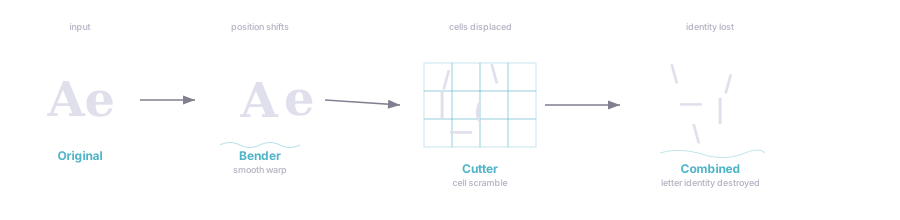
Tools: marginalia (editorial CSS library, external) · marginalia-md.js (markdown → marginalia HTML in the browser) · a Node build script · custom CSS for the F-explainer's light palette extensions (.outer-note, .stats-detail, .has-dropcap) · muriel/matplotlibrc_light.py (for any inline figures to match the warm editorial palette).
Channel: channels/web.md — marginalia + warm editorial light palette.
Pattern: long-form explainer with pull-quotes, margin notes, inline stats spans, drop-cap.
Live: Attentional Foraging F-pattern explainer →
Note: live and in active use; some supplementary sections are still in draft. Replace this placeholder thumbnail with a real screenshot of the page hero.
Refreshing thumbnails
All thumbnails live in thumbs/. Resized to 800px wide max and re-encoded as JPG (85% quality) for files above ~500 KB. If a blog post updates its hero image, re-run:
Upcoming
The dual-brand runnable demo (same brief, two TOMLs, two PNGs side-by-side, exercising muriel.styleguide end-to-end) is the missing piece. Unblocked by the two-tier alias schema; scheduled for 0.6.0.